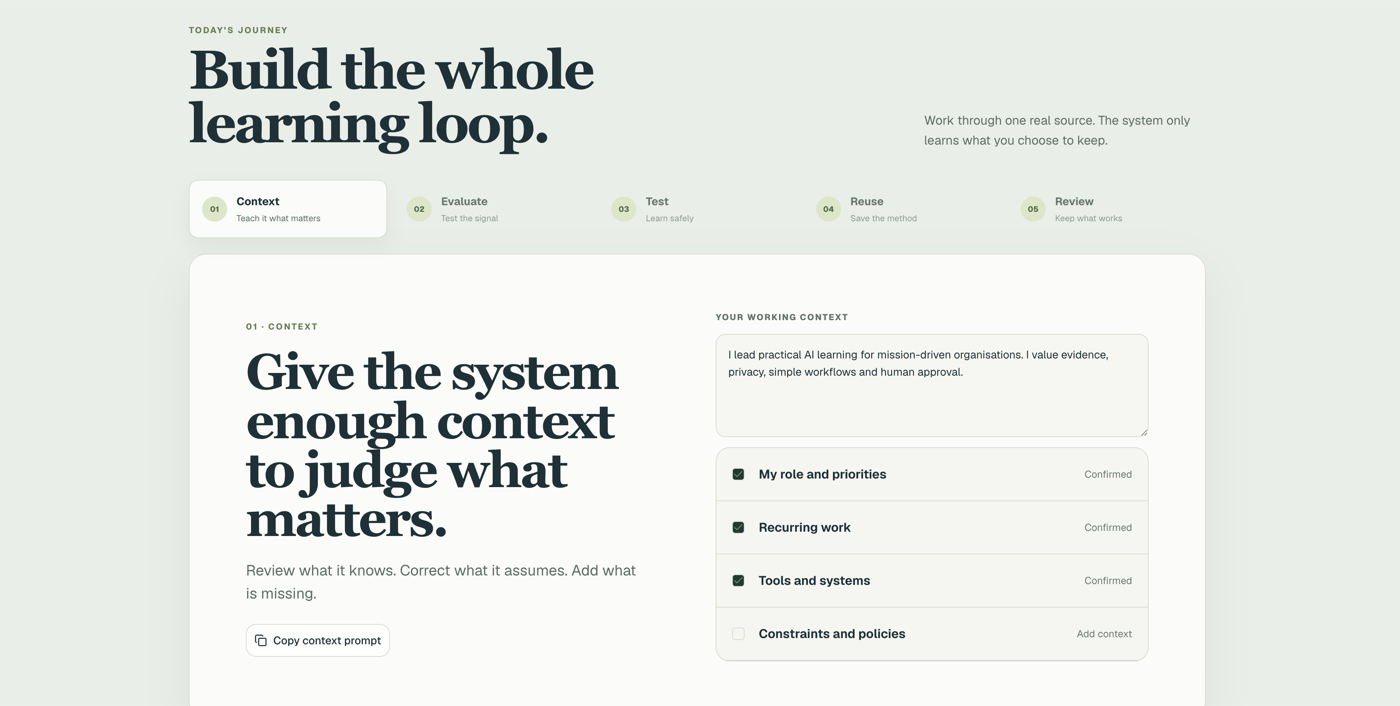
One sentence does it.
Attach the deck. Type the sentence. The page comes back branded, with tabs that click and buttons that copy.
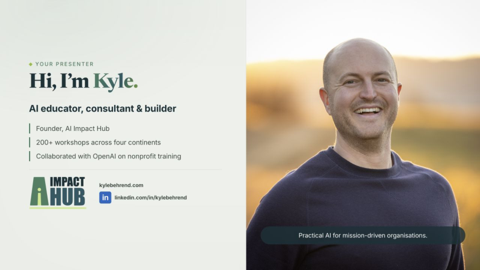
 AI Impact Hub
For anyone who has attached a PDF and hoped someone would read it.
Try it right here ↓Free to read. The try-it part runs on a free account.
Give an AI a file and one sentence, and it comes back as a page people click around, with your branding kept. This guide shows what to build first, how to make it yours, and the three free things you need only if it has to go public.
Decks, PDFs and spreadsheets were the shape work took because anything more interactive needed a developer. It doesn't now. A file is a snapshot. A page is somewhere people can go.
Attach the deck. Type the sentence. The page comes back branded, with tabs that click and buttons that copy.
What the AI writes is the page's own language: the words, plus the instructions for showing them. You never have to read it.
Share the link from your AI. Give the page your header. Put it on your own address only if the public needs it.
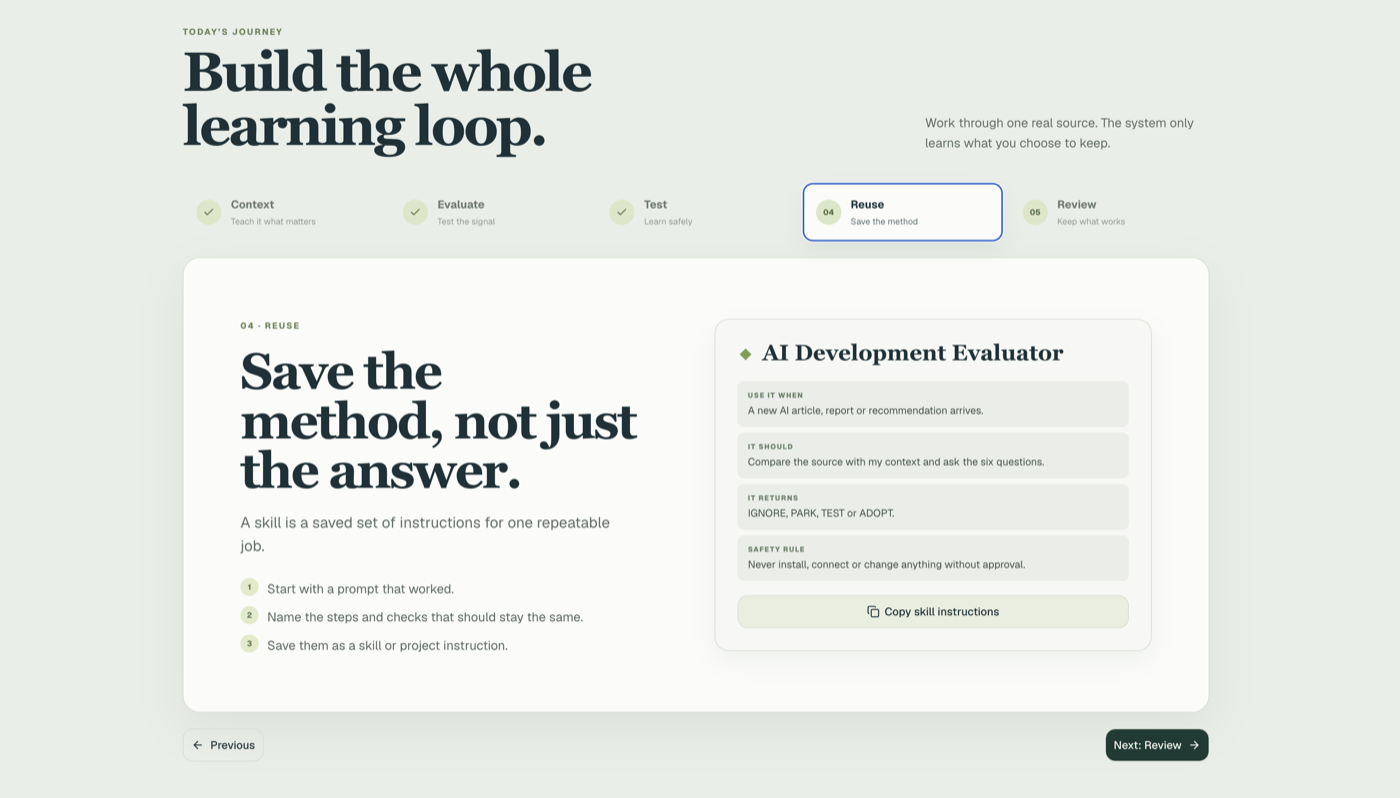
A real one: a training presentation, turned into a digital experience. Sixteen slides went in. One page came out.
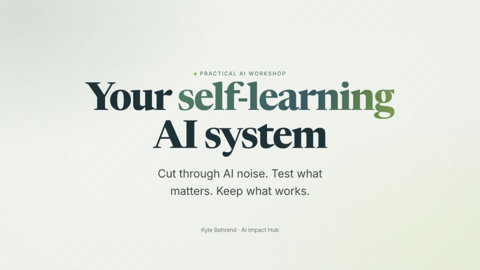
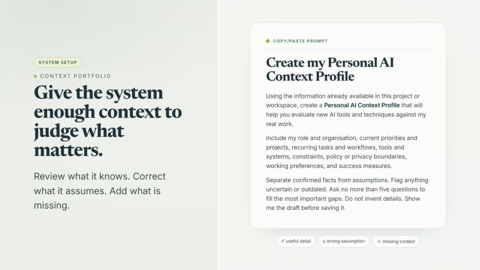
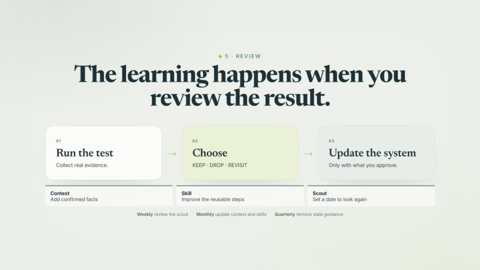
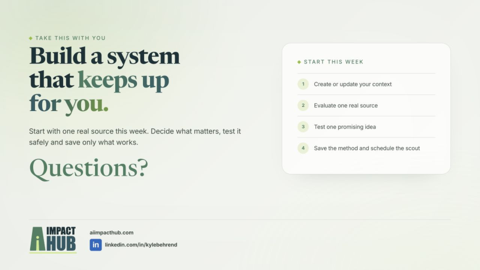
Switch between them. Then compare the three ways below.
A deck works in the room. Afterwards it is a PDF in an inbox.
Open the deck (PDF) ↗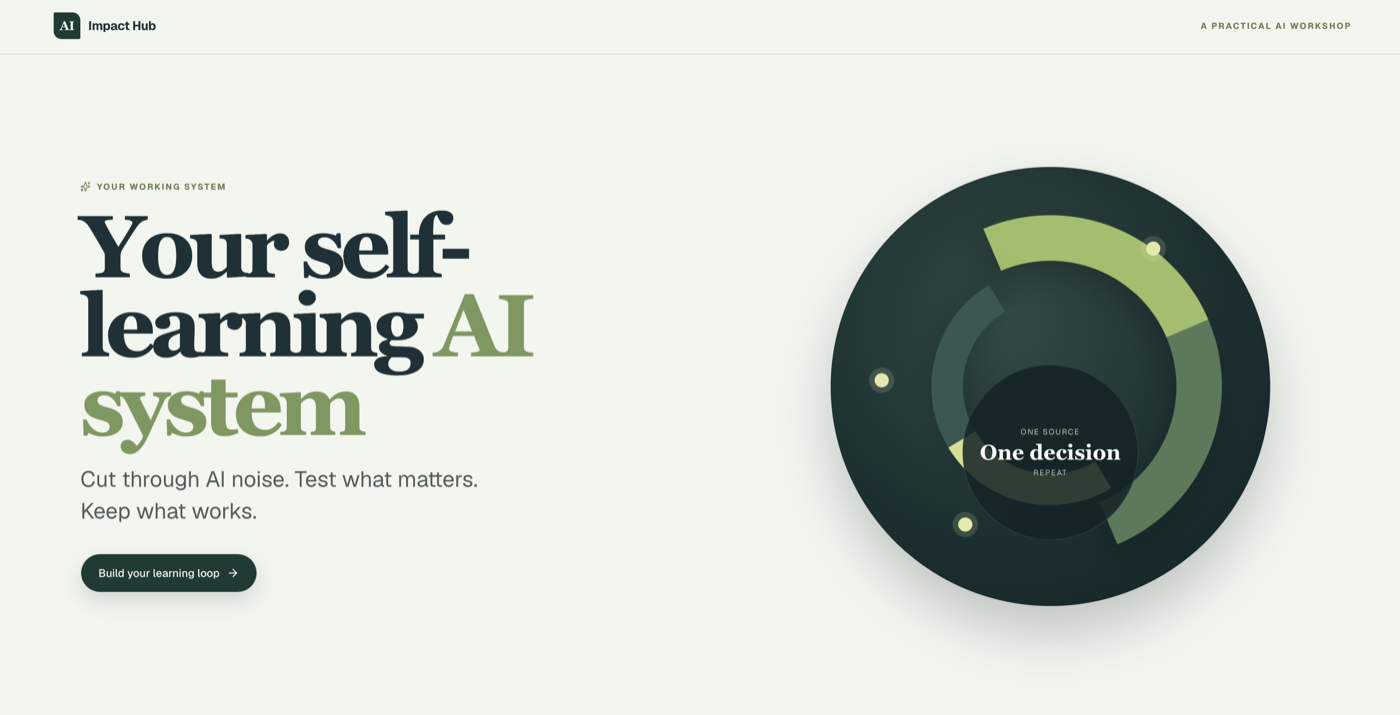
Branding kept, each slide a screen. One button didn't work at first.
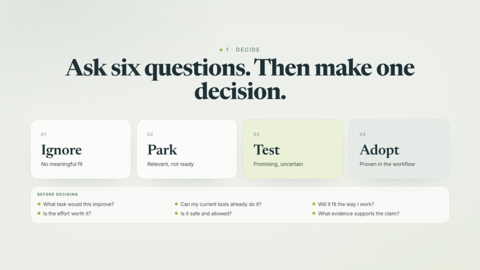
Ask six questions. Then make one decision.
A working loop, not a prettier deck. Your answers stay on your device.
Try the working loop →Three things to do: work out which file first, see how much of the publishing path you need, and take the sentences to type.
Ten things nonprofits send as files. Drag each one into a lane, or tap it to move it along. The first card you put in the top lane is where you start.
Sort by how often you send it. The frequent thing pays back every week.
Nothing sorted yet. Drag a card into a lane, or tap one.
Who needs to see it decides how much you set up. Turn the dial. Most things stop at the first position.
Three free things, feeding each other. Only if the page has to be public.
Nothing to set up. The artifact runs where you made it, and that is enough.
and back to your subdomain
When none of this makes sense
Type this into a fresh chat and let it take you through, step by step.
I've just read a guide about turning my files into web pages and putting them on a subdomain with GitHub and Vercel. I don't understand any of this. Please take me through it step by step, one question at a time.
Two more prompts. Attach the file, then paste.
Use the desktop app, and the built-in browser when it needs to look at your website.
I want to build this, but I want it to have the exact same header as what's built on our current website. Please inspect it and identify what code is needed to replicate it.
Paste your website address with it. Works best with the built-in browser, or in Cowork or Codex so the code lands in a folder you keep.
The guide is free to read. This part is a working exercise, and a free account opens it and keeps your progress across the Hub.
Inspired by the AI Daily Brief episode “10+ Things You Should Build With AI Instead of Sending Files”, 7 June 2026. Listen to the episode ↗
Paste the link into Teams, Slack or LinkedIn and this card appears. Or send it from here.